Chrome extension
Send this page to your phone
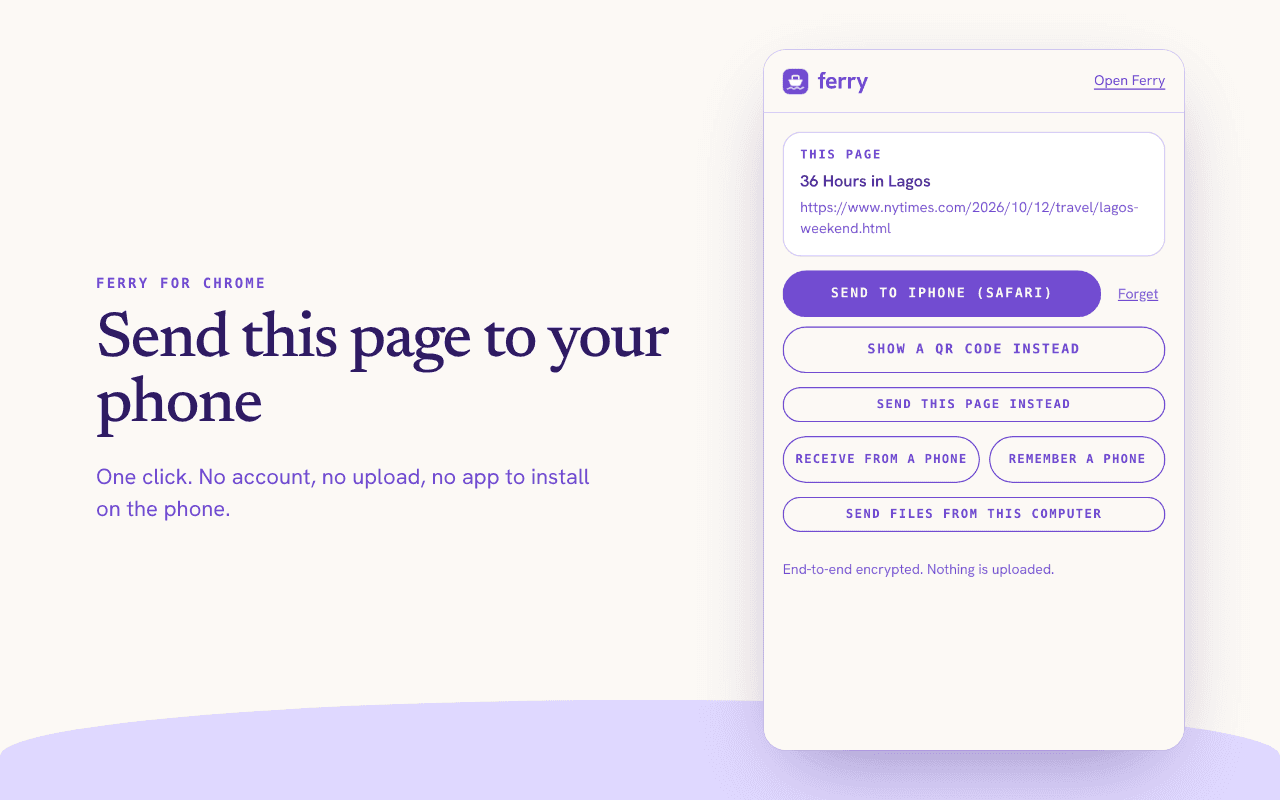
One click sends the page you are on to your phone. It goes straight from your browser, end-to-end encrypted, with nothing uploaded.
Coming soon to ChromeSource code
The listing is in review at the Chrome Web Store.
What it does
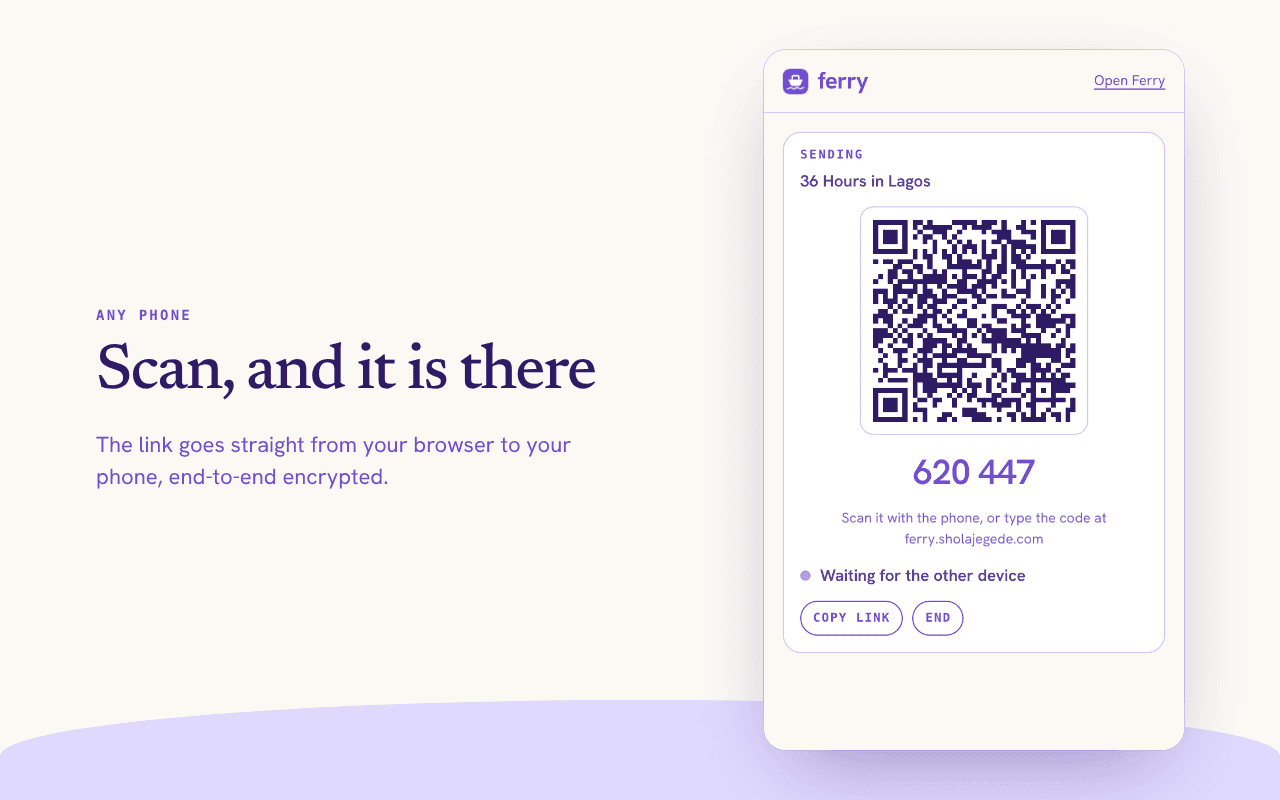
- Send this page. Click the Ferry icon. Scan the QR code with your phone, or type the 6-digit code at ferry.sholajegede.com.
- Right-click to send. Right-click a link, an image or selected text and choose “Send with Ferry”.
- Remember your phone. Pair once. After that, “Send to your phone” needs no code. Your phone gets a prompt when Ferry is open on it.
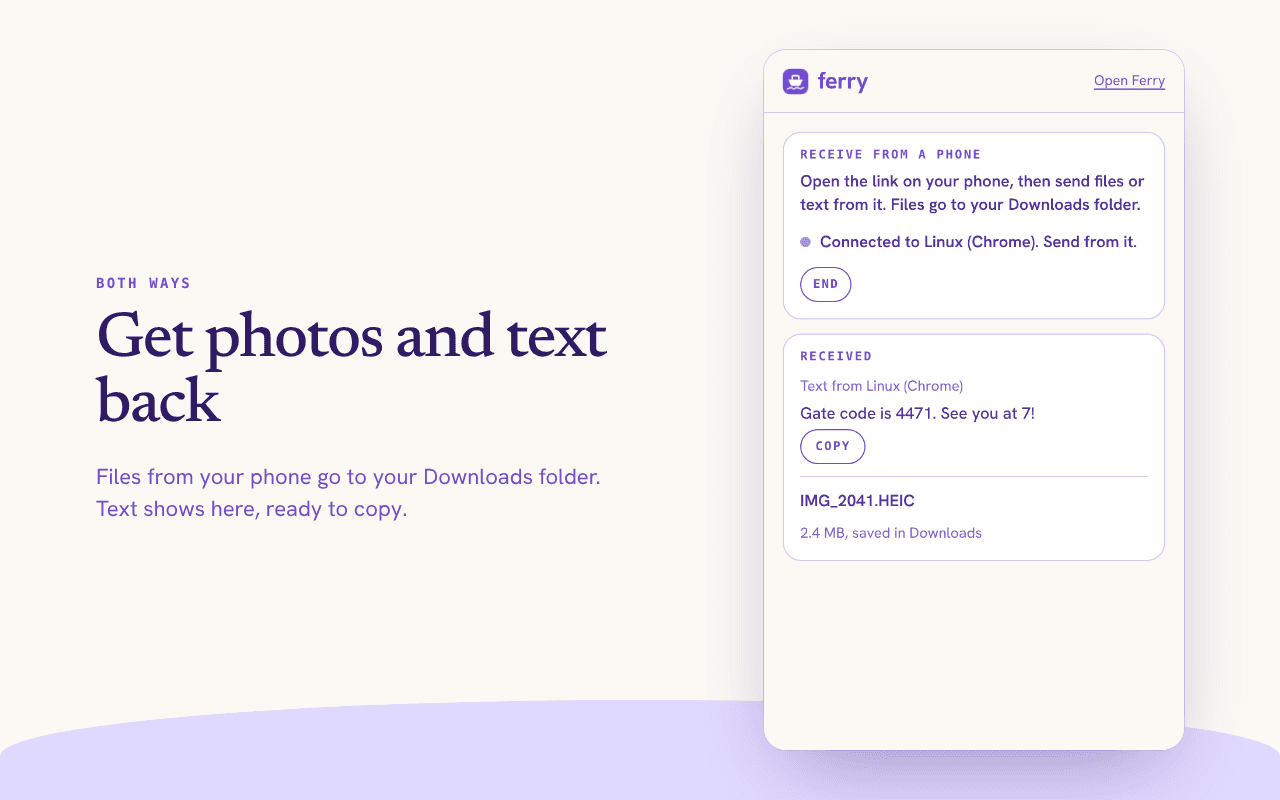
- Get files back. Photos and files from your phone go to your Downloads folder. Text shows in the popup, ready to copy.
Private by design
- The extension reads a tab’s address and title only when you click its icon or its menu item.
- It asks for permission to read images from a site the first time you send an image from that site.
- Everything goes straight to your other device, encrypted. Ferry stores nothing on a server.
- It keeps no history and has no analytics.
Install it before the listing is live
- Download the source from GitHub, then run
npm installandnpm run buildin theextensionfolder. - Open
chrome://extensionsand turn on Developer mode. - Click “Load unpacked” and choose
extension/dist.
Limits
- Your phone must have Ferry open while the transfer runs. Ferry keeps no file for later.
- A file from your phone can be up to 2 GB. For larger files, use the Ferry site on both devices.
- Chrome’s own pages, such as the new tab page and settings, cannot be sent.